

 This quickstart shows you how to use the Azure portal to deploy a dedicated Percona Server for MySQL 8.0 drop-in replacement for MySQL that provides superior performance, scalability, and instrumentation. It also shows you how to connect to the server.
Existing Azure subscription. If you don’t have a subscription, create a free Azure account before starting.
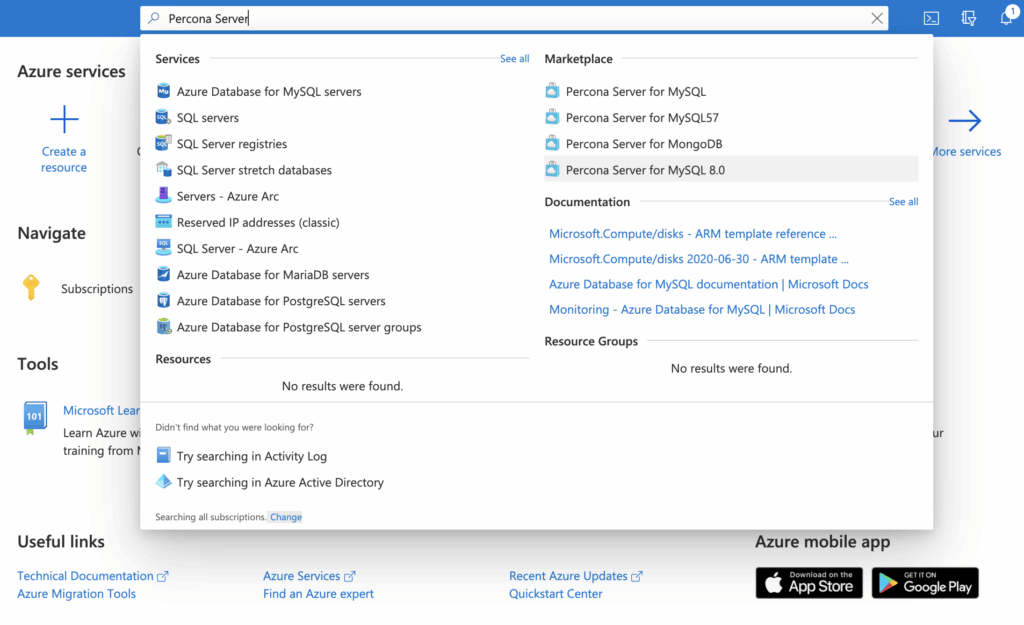
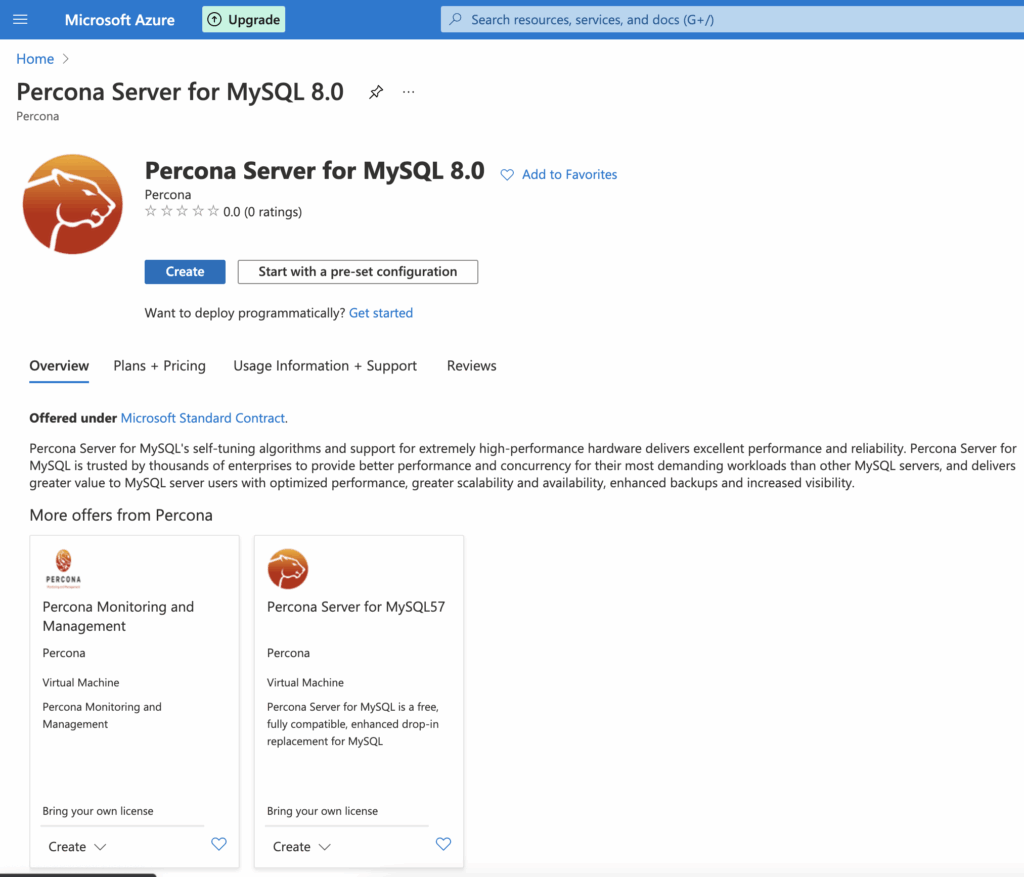
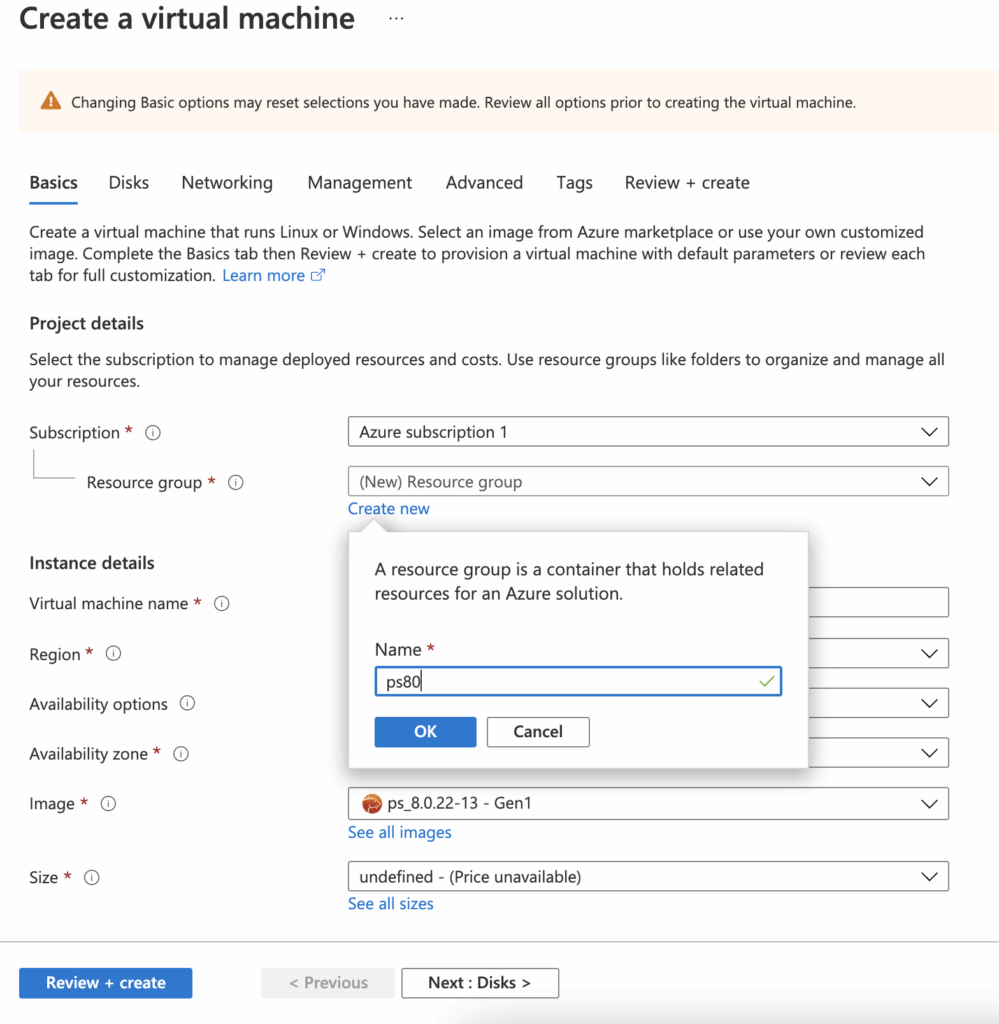
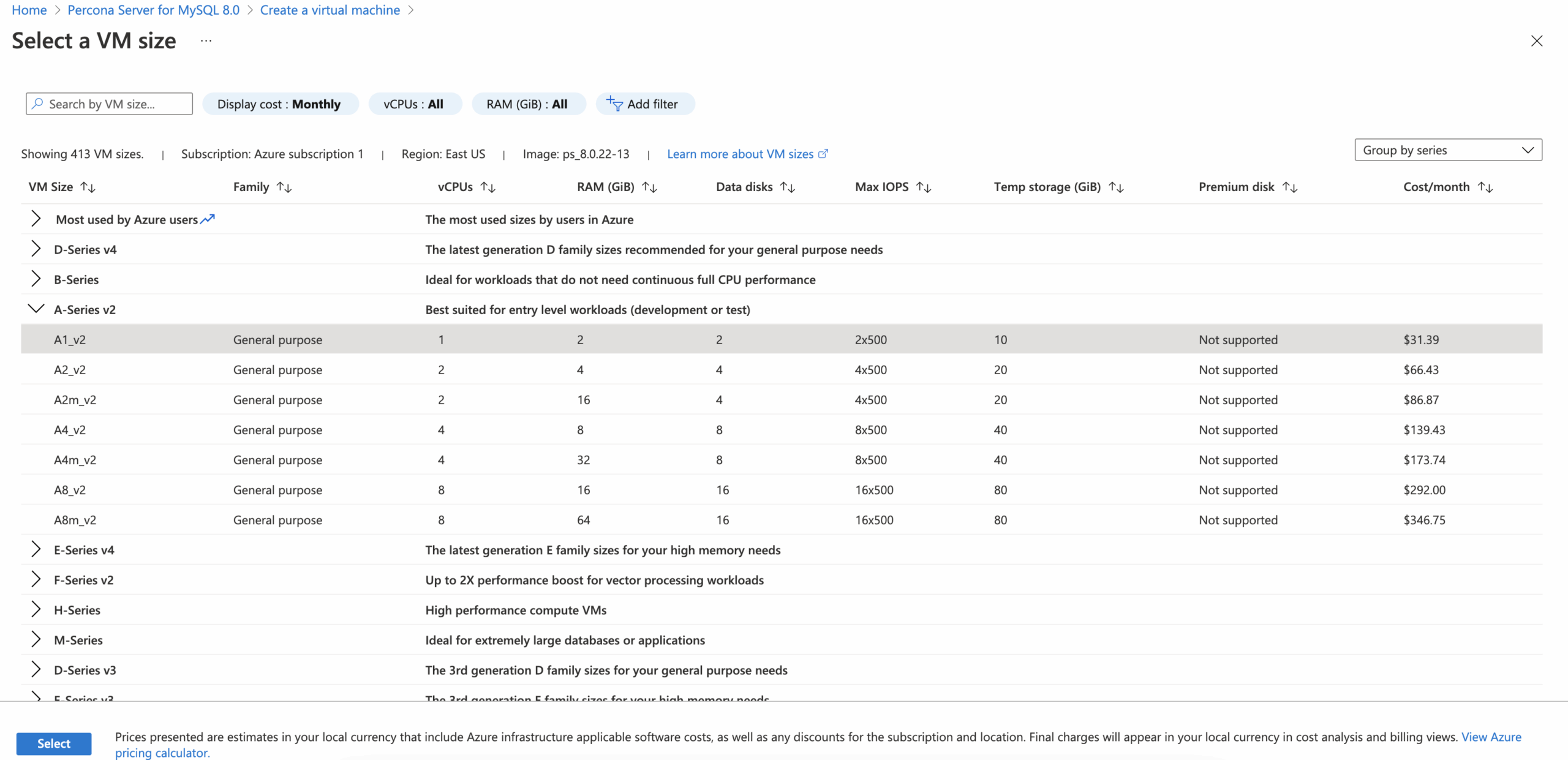
 – Select a VM size to support the workload that you want to run(Size):
 – Setup Administrator account access: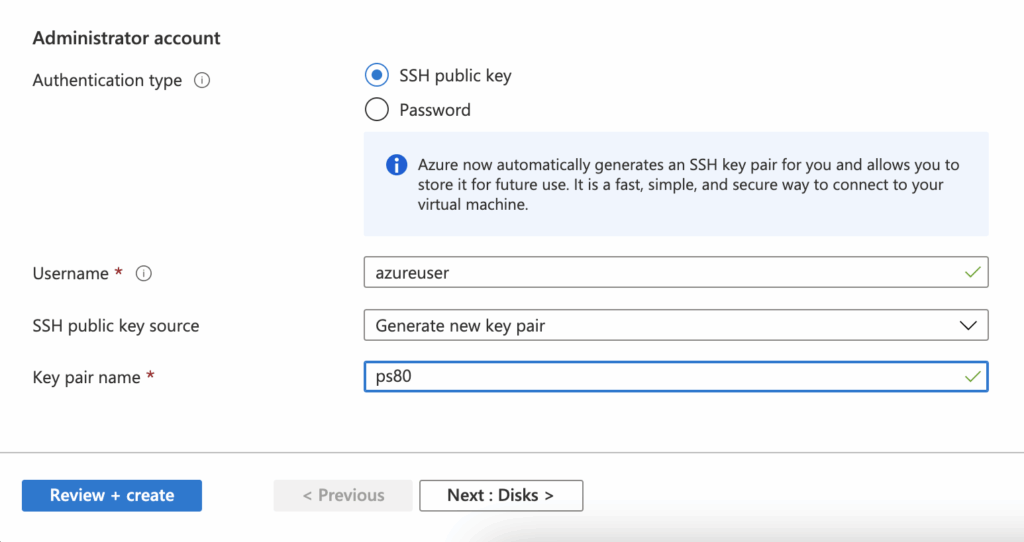
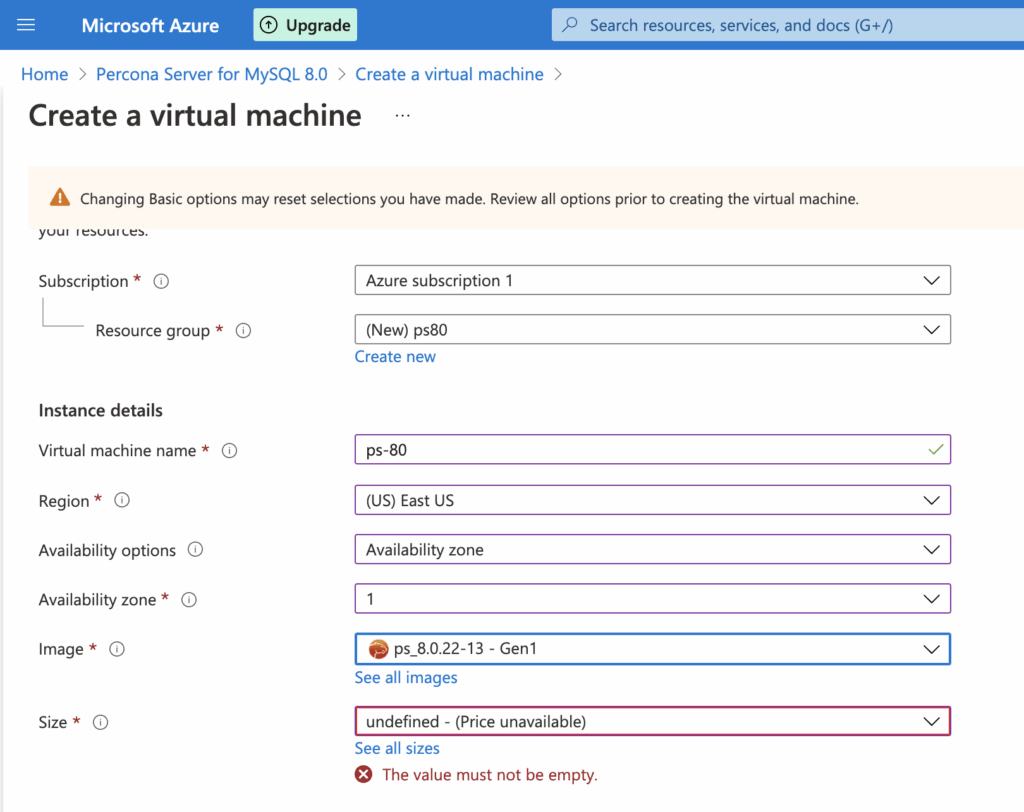
| Setting | Description |
| Subscription | All resources in an Azure subscription are billed together. |
| Resource group | A resource group is a collection of resources that share the same lifecycle, permissions, and policies. |
| Virtual machine name | Virtual machines in Azure have two distinct names: virtual machine name used as the Azure resource identifier, and guest hostname. When you create a VM in the portal, the same name is used for both the virtual machine name and the hostname. The virtual machine name cannot be changed after the VM is created. You can change the hostname when you log into the virtual machine. |
| Region | Choose the Azure region that’s right for you and your customers. Not all VM sizes are available in all regions |
| Availability options | Azure offers a range of options for managing availability and resiliency for your applications. Architect your solution to use replicated VMs in Availability Zones or Availability Sets to protect your apps and data from datacenter outages and maintenance events. Learn more |
| Availability zone | You can optionally specify an availability zone in which to deploy your VM. If you choose to do so, your managed disk and public IP (if you have one) will be created in the same availability zone as your virtual machine. |
| Image | Choose Percona Server ps_8.0.22-13 – Gen1 image as the base operating system for the VM |
| Size | Select a VM size to support the workload that you want to run. The size that you choose then determines factors such as processing power, memory, and storage capacity. Azure offers a wide variety of sizes to support many types of uses. Azure charges an hourly price based on the VM’s size and operating system. Learn more about Virtual Machine sizes |
| Authentication type | Choose whether the administrator account will use username/password or SSH keys for authentication. |
| Username | The administrator username for the VM |
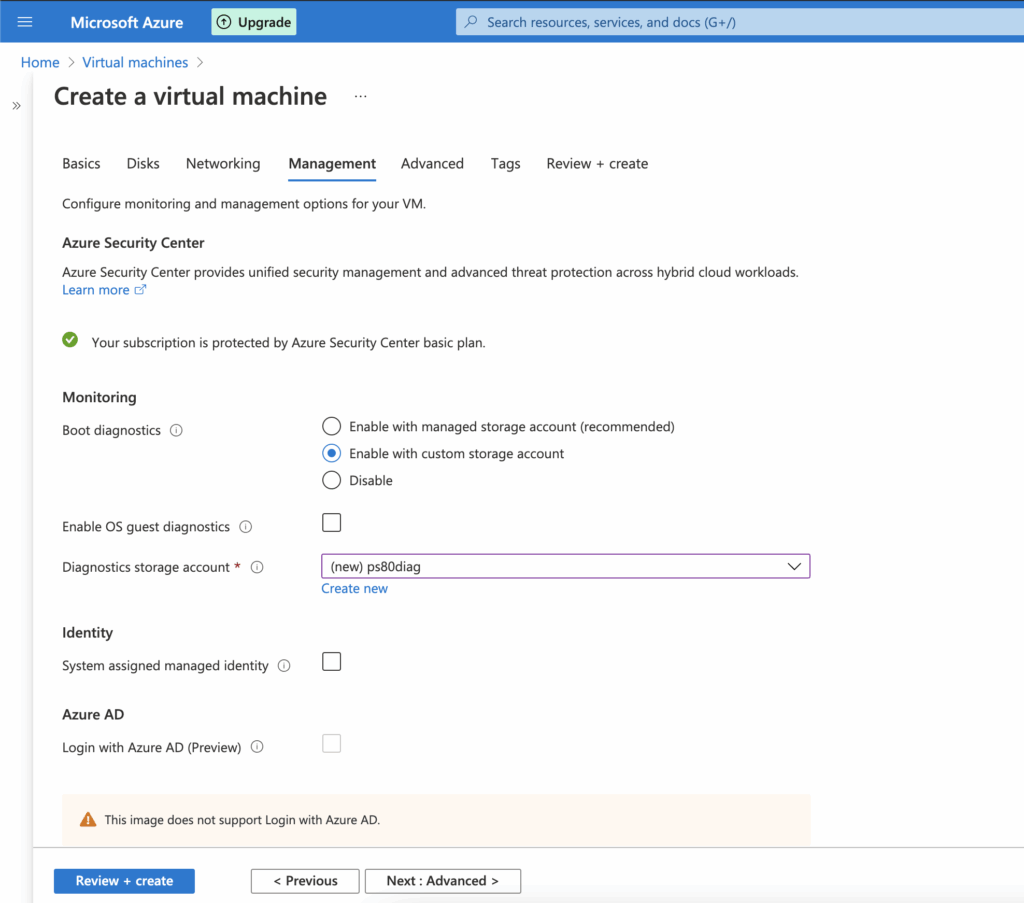
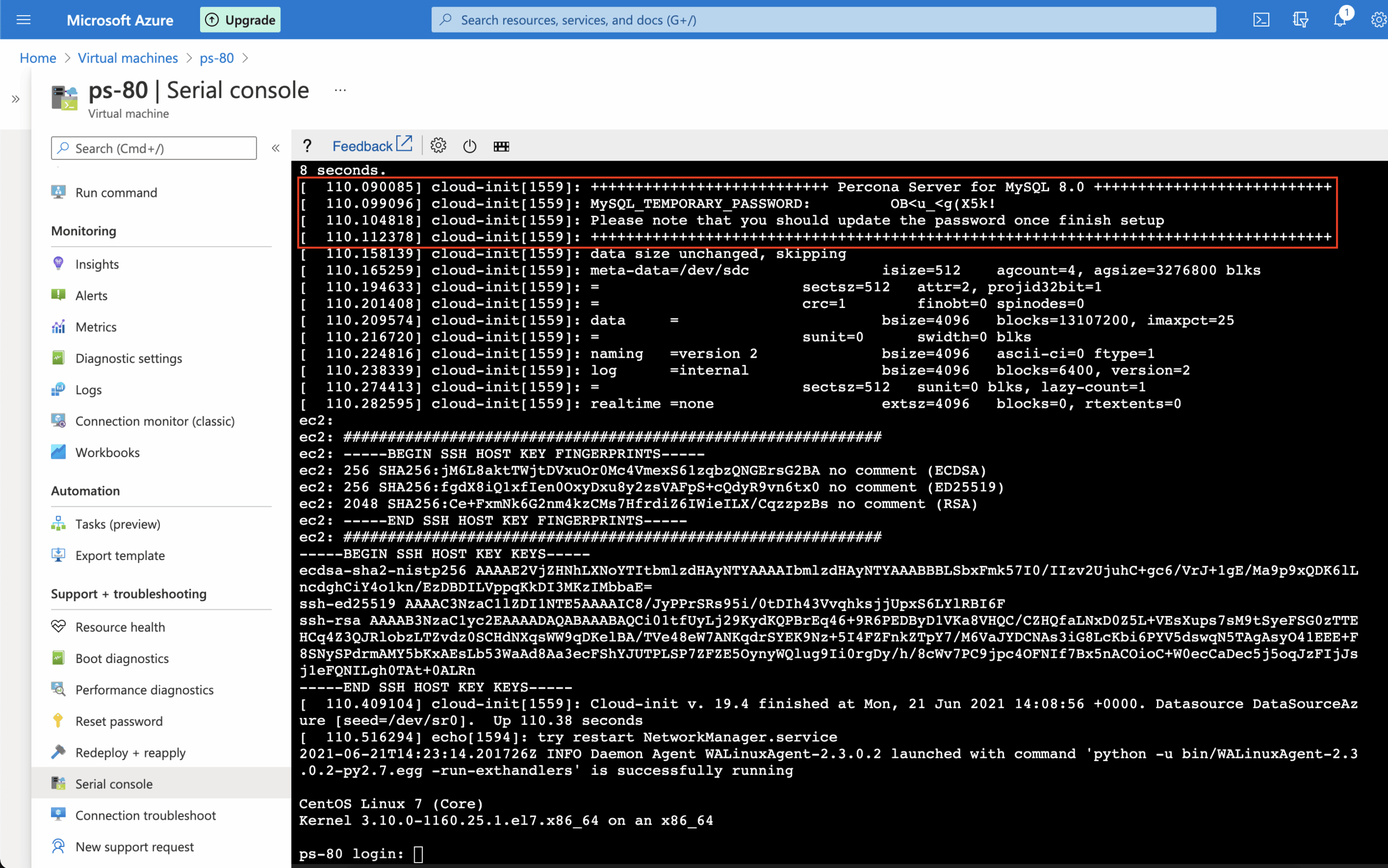
– Open Management tab and select Enable with custom storage account boot diagnostics option to abe to use Serial Console:
*Note: Serial Console is currently incompatible with a managed boot diagnostics storage account. To use Serial Console, ensure that you are using a custom storage account.
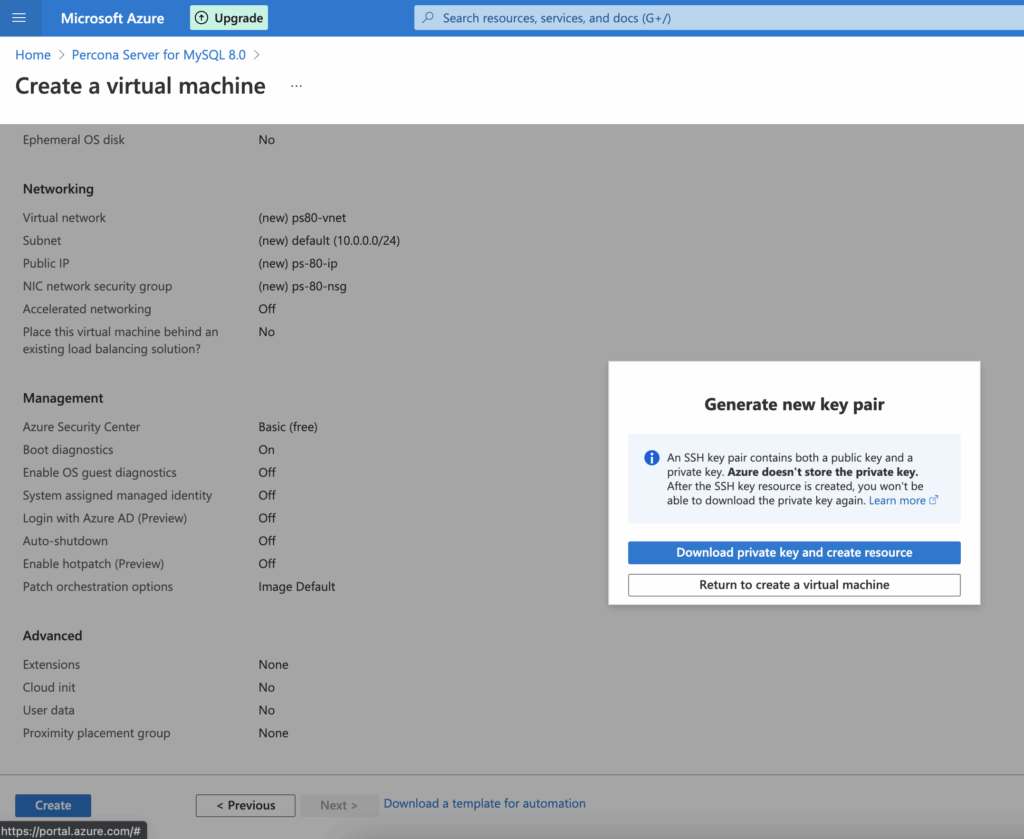
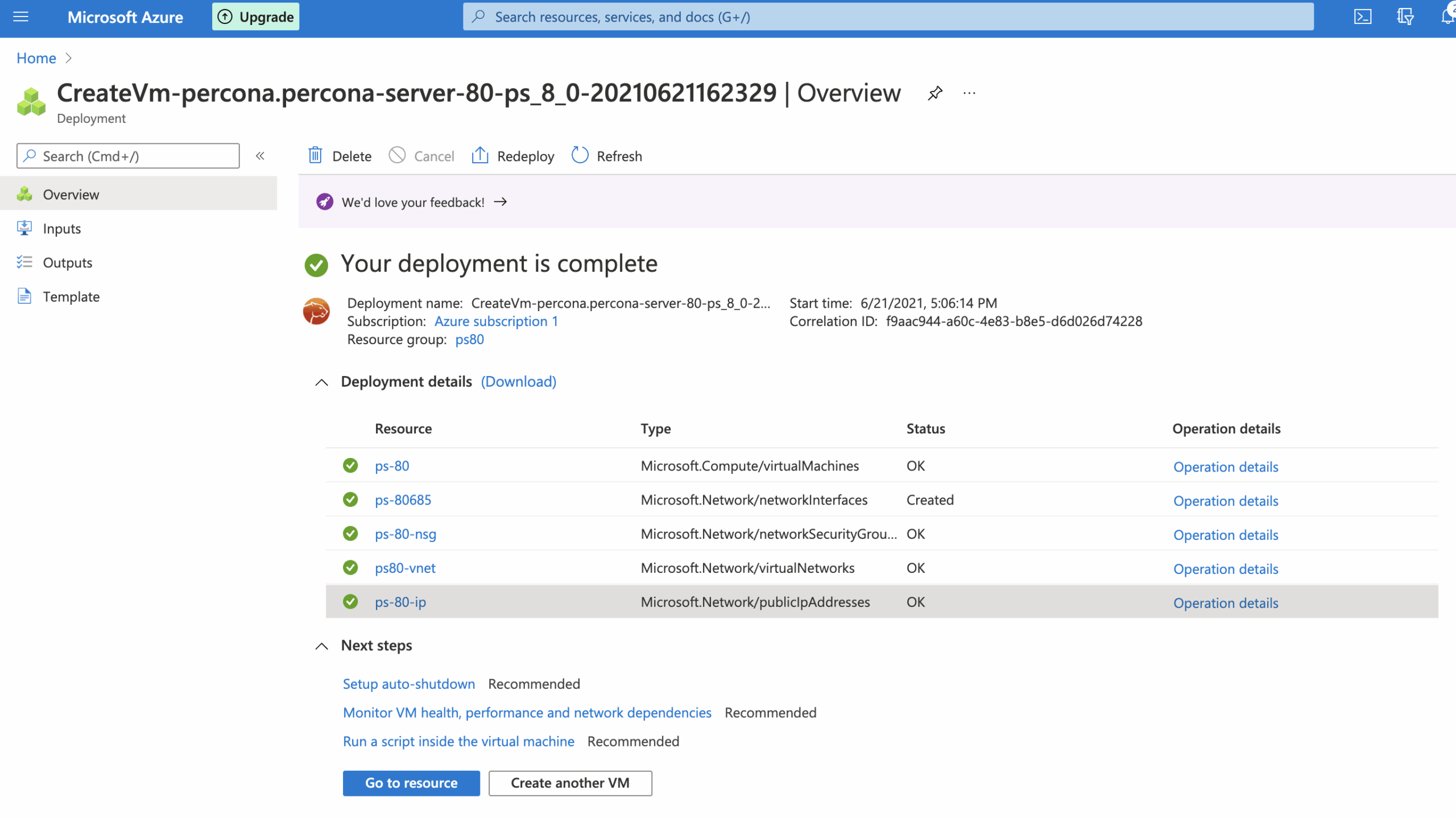
– Press Review + create to provision Percona Server for MySQL 8.0, review settings and save private ssh key:
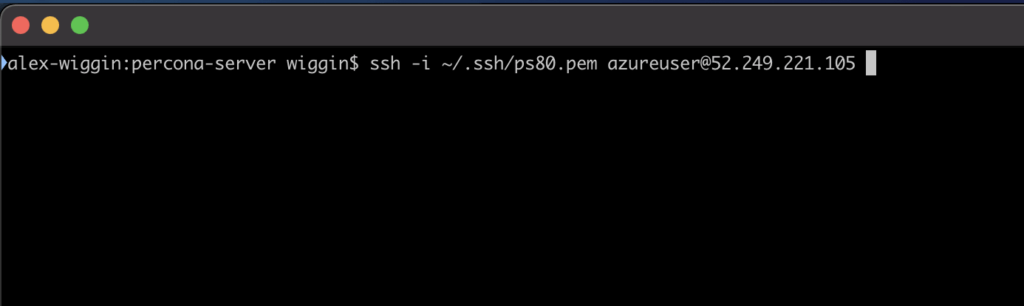
|
1 |
[azureuser@ps-80 ~]$ sudo less /var/log/mysqld.log |

|
1 |
ALTER USER 'root'@'localhost' IDENTIFIED BY 'MyVeRySeCuReP@ZzW0Rd'; |
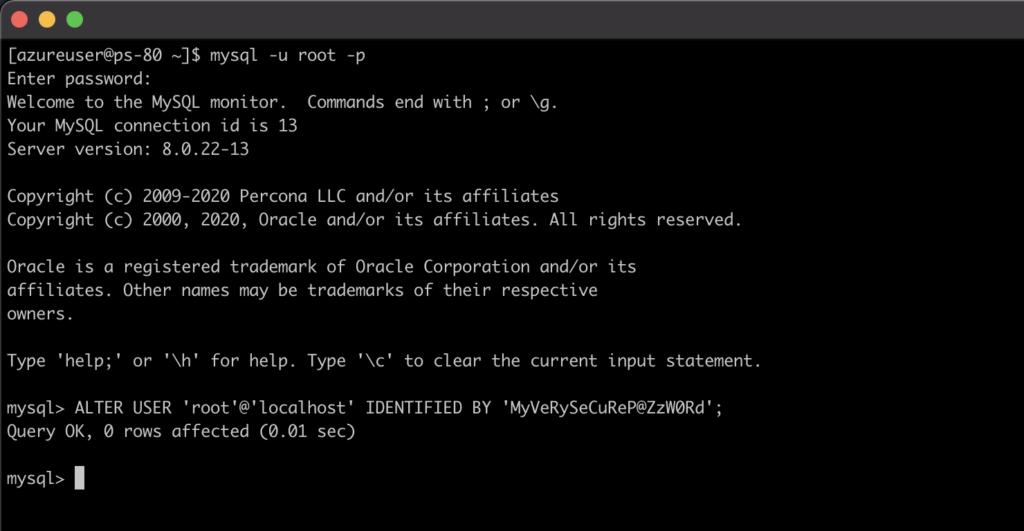
|
1 2 3 4 |
CREATE DATABASE ps80; CREATE TABLE ps80.example (id INT PRIMARY KEY, message VARCHAR(30)); INSERT INTO ps80.example VALUES (1, 'Hello Percona-Server 8.0'); SELECT * FROM ps80.example; |
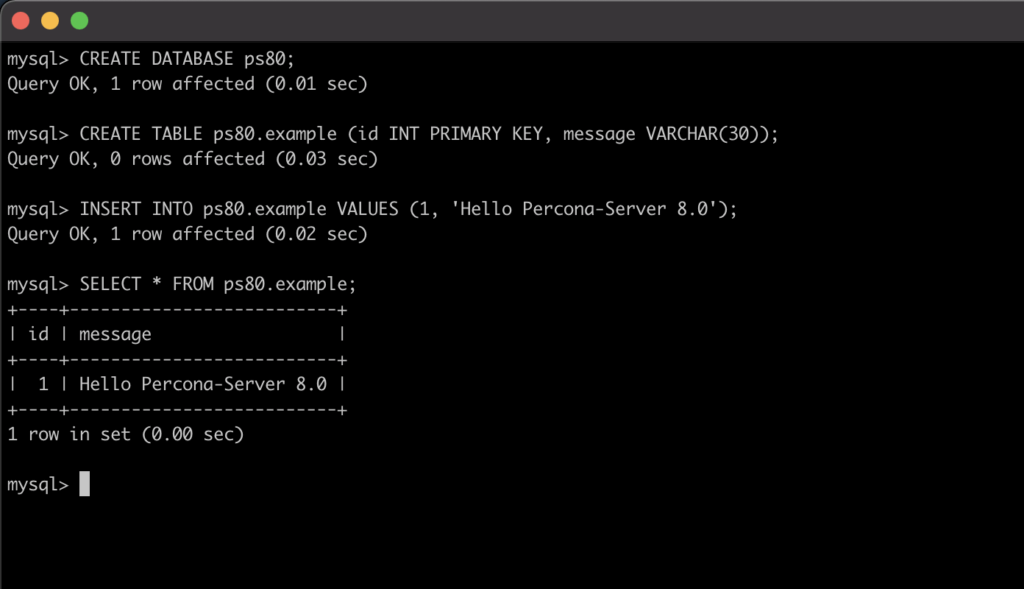
|
1 2 3 |
CREATE USER 'ps80'@'%' IDENTIFIED BY 'MyVeRySeCuReP@ZzW0Rd_2'; GRANT ALL PRIVILEGES ON ps80.* TO 'ps80'@'%'; flush privileges; |
|
1 2 3 |
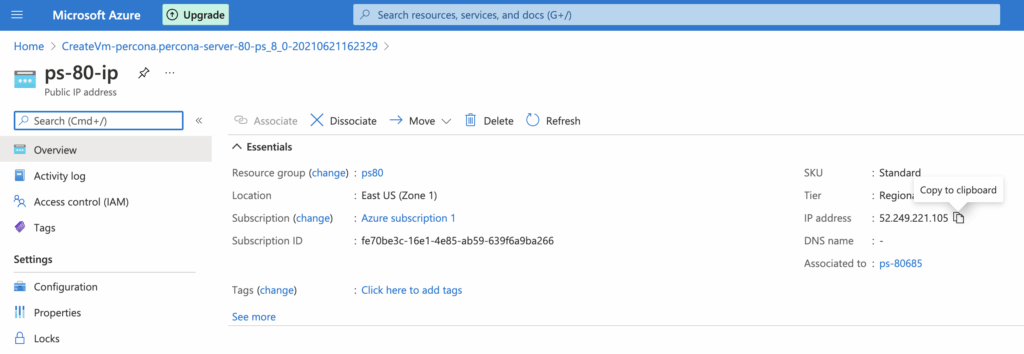
mysql -u ps80 -h 52.249.221.105 -p ... SELECT * FROM ps80.example; |
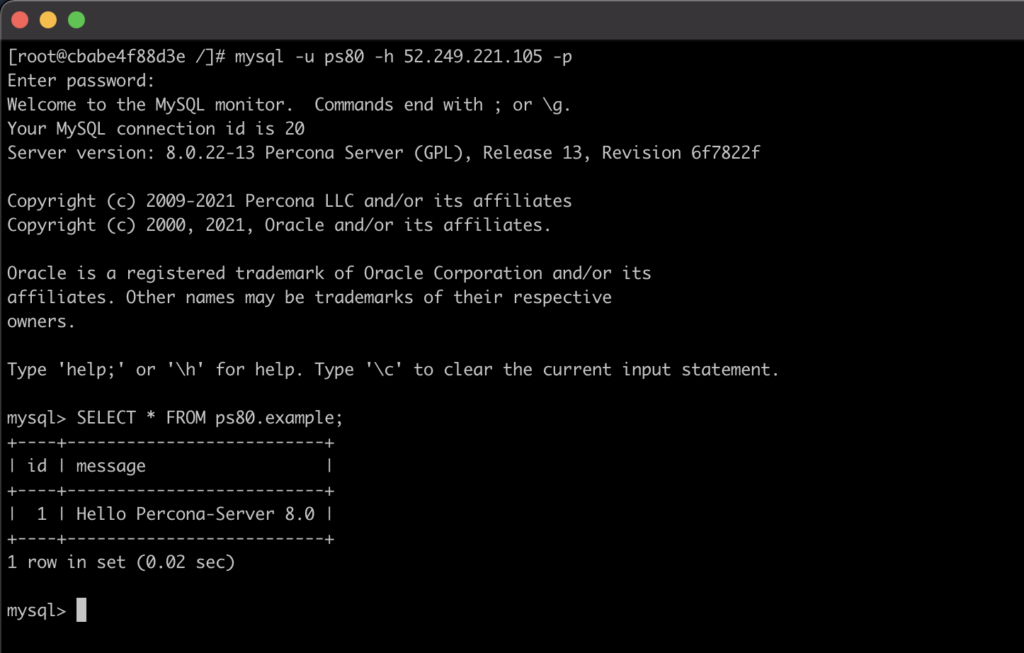
Percona Server for MySQL is trusted by thousands of enterprises to provide better performance and concurrency for their most demanding workloads than other MySQL servers and delivers greater value to MySQL server users with optimized performance, greater scalability and availability, enhanced backups and increased visibility.
Now Percona Server for MySQL is available in Azure.
Percona Distribution for MySQL is the most complete, stable, scalable, and secure, open-source MySQL solution available, delivering enterprise-grade database environments for your most critical business applications… and it’s free to use!




