One of the installation methods we support for our database software is through Helm. We have a collection of Helm charts, in this repository, for the following Percona software:
Through this blog post, you will learn how to install Percona Monitoring and Management in a Kubernetes cluster on Amazon EKS using Helm and eksctl.
For the installation of PMM with Helm, you will need:
If you want to install PMM in a Kubernetes cluster on Amazon EKS, you can use eksctl to create the required cluster. I published this blog post Creating a Kubernetes cluster on Amazon EKS with eksctl, in the Percona Community blog, where I explain how to use this tool.
For an easy way to deploy the Kubernetes cluster, check Percona My Database as a Service (MyDBaaS), a Percona Labs project. I also recommend checking this article Percona Labs Presents: Infrastructure Generator for Percona Database as a Service (DBaaS) on our blog, where the process of creating the cluster is described.
MyDBaaS will help you with cluster creation. It will generate the configuration file needed for eksctl, or it can deploy the cluster to AWS.
To use eksctl you must:
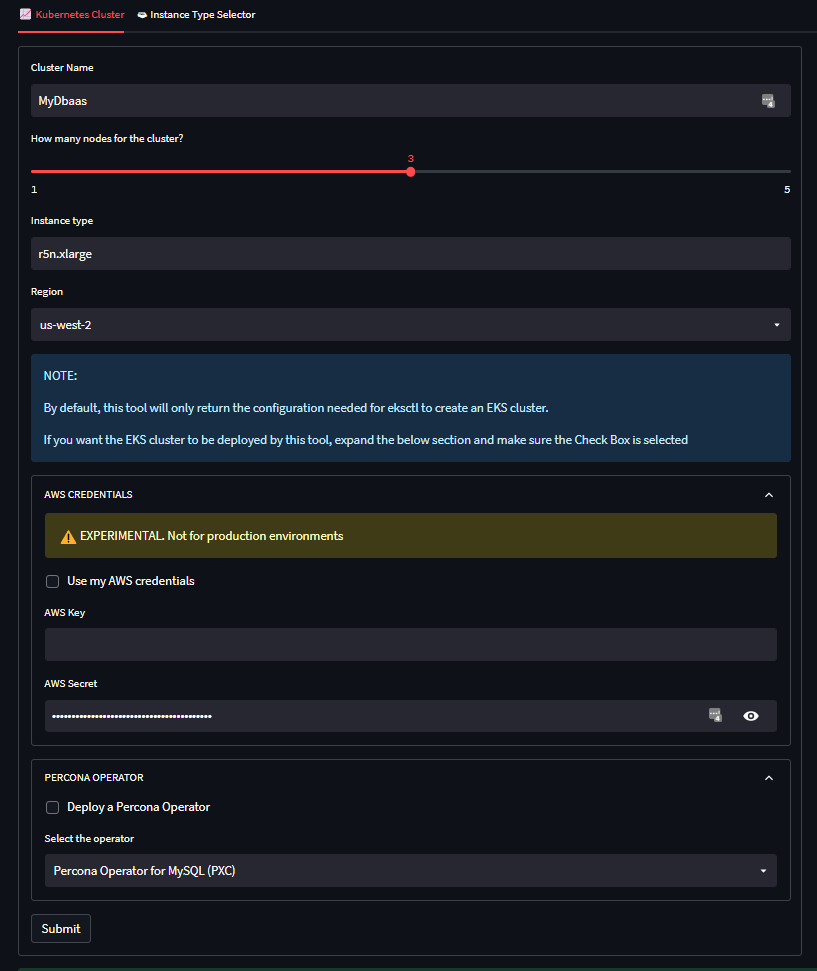
To create the cluster, you need to generate the configuration file for eksctl. Go to https://mydbaas.labs.percona.com/ and fill out the details of your cluster.
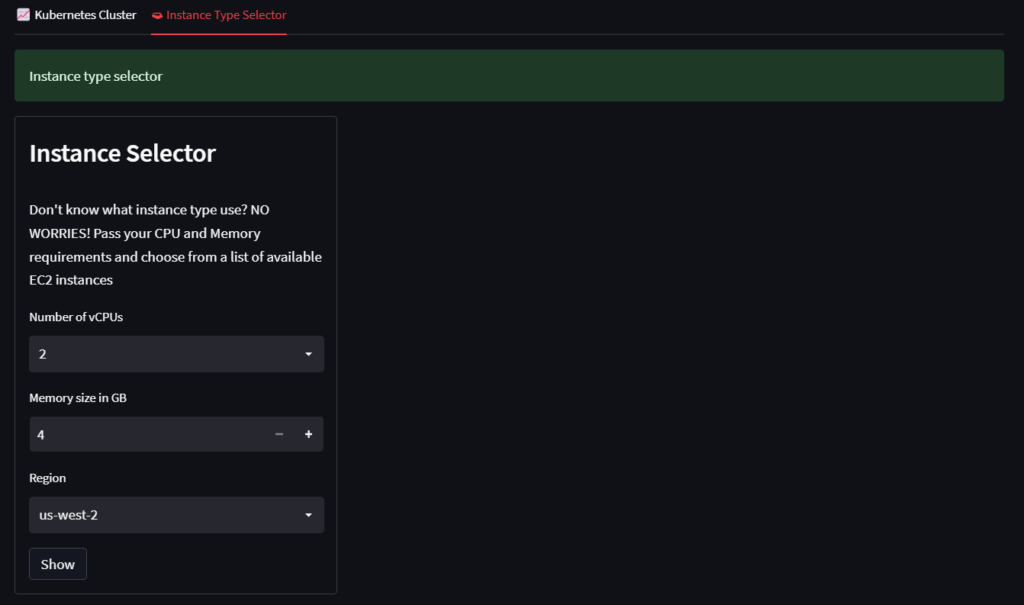
If you don’t know what instance type to use, go to the Instance Type Selector and select:
As stated on the website, this tool will only return the configuration file needed for eksctl. You can also provide your AWS credentials for the tool to deploy the EKS cluster.
After filling out the details, click on Submit and you will get the configuration file that will look like this:
|
1 2 3 4 5 6 7 8 9 10 11 12 13 14 15 16 17 18 19 20 21 22 23 |
addons: - name: aws-ebs-csi-driver apiVersion: eksctl.io/v1alpha5 kind: ClusterConfig metadata: name: MyDbaas region: us-east-1 nodeGroups: - desiredCapacity: 2 iam: withAddonPolicies: ebs: true efs: true fsx: true instanceType: m5.large maxSize: 5 minSize: 1 name: ng-1 preBootstrapCommands: - echo 'OPTIONS="--default-ulimit nofile=1048576:1048576"' >> /etc/sysconfig/docker - systemctl restart docker volumeSize: 100 volumeType: gp2 |
Then, create the cluster by running the following command:
|
1 |
eksctl create cluster -f cluster.yaml |
While running, eksctl will create the cluster and all the necessary resources. It will take a few minutes to complete.

Cluster credentials can be found in ~/.kube/config. Try kubectl get nodes to verify that this file is valid, as suggested by eksctl.
Once the cluster has been created and configured, you can install PMM using Helm.
|
1 |
helm repo add percona https://percona.github.io/percona-helm-charts/ |
|
1 |
helm install pmm --set service.type="LoadBalancer" percona/pmm |
Once the PMM server runs, you must get its IP address. Run this command to get this value.
|
1 |
kubectl get services monitoring-service |
You will get an output similar to the following.
|
1 2 |
NAME TYPE CLUSTER-IP EXTERNAL-IP PORT(S) AGE monitoring-service LoadBalancer 10.100.17.121 a57d50410ca2f4c9d9b029da8f44f73f-254463297.us-east-1.elb.amazonaws.com 443:30252/TCP,80:31201/TCP 100s |
a57d50410ca2f4c9d9b029da8f44f73f-254463297.us-east-1.elb.amazonaws.com is the external IP and the one you need to access PMM from the browser.
Before accessing the dashboard of PMM, get the password.
|
1 2 |
export ADMIN_PASS=$(kubectl get secret pmm-secret --namespace default -o jsonpath='{.data.PMM_ADMIN_PASSWORD}' | base64 --decode) echo $ADMIN_PASS |
The value of $ADMIN_PASS is the password you need to log into the dashboard. The default user is admin.
Go to the browser and paste the external IP in the address bar.
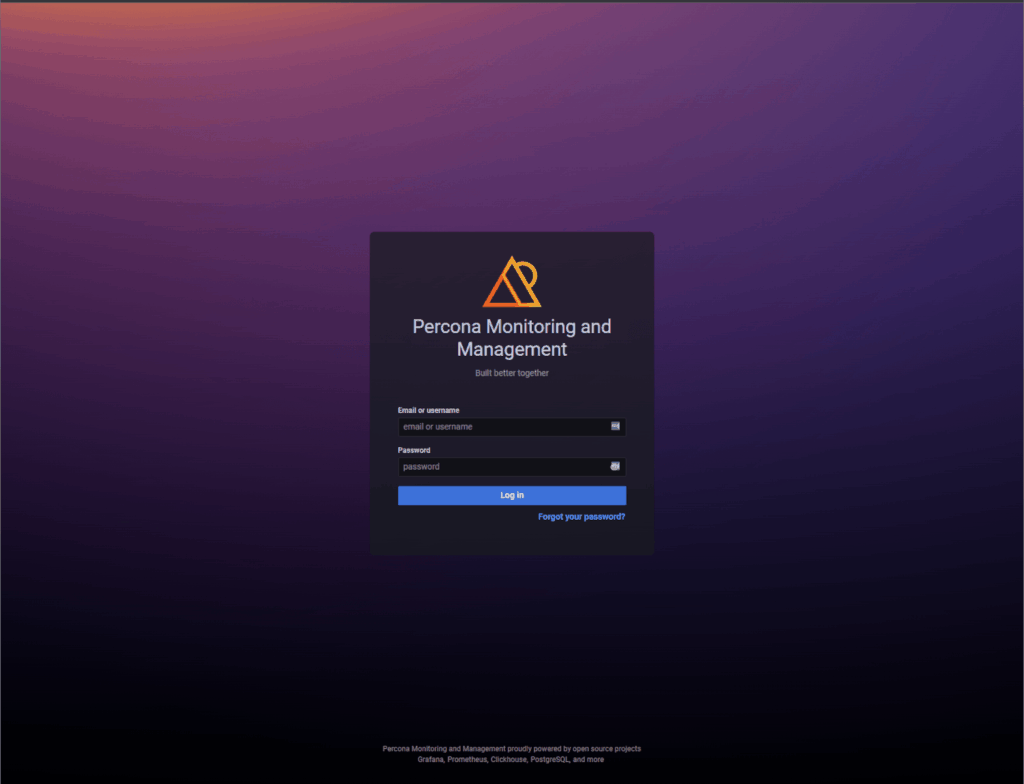
Now you have PMM running in the cloud on Amazon EKS.
I recommend you check this article Percona Monitoring and Management in Kubernetes is now in Tech Preview on our blog for more information about PMM in Kubernetes using Helm.
Through this blog post, you learned how to create a Kubernetes cluster with eksctl and deploy PMM using Helm with the help of Percona MyDBaaS. The process would be the same for any of the Percona software in the collection of Helm charts.
Resources
RELATED POSTS