

This post was originally published in 2022, and we’ve updated it in 2025 for clarity and relevance.
PostgreSQL was initially released in 1996, when cloud-native was not even a term. According to DB engines, it is currently the fourth most popular relational open source database. With its popularity growing and the rising trend of Kubernetes, it is not surprising that there are multiple solutions to run PostgreSQL on K8s.
In this blog post, we are going to compare these solutions and review the pros and cons of each of them. The solutions under our microscope are:
The summary and comparison table can be found in our documentation.
Crunchy Data is a company well-known in the PostgreSQL community. They provide a wide range of services and software solutions for PG. Their PostgreSQL Operator (PGO) is fully open source (Apache 2.0 license), but at the same time container images used by the operator are shipped under Crunchy Data Developer Program. This means that you cannot use the Operator with these images in production without the contract with Crunchy Data. Read more in the Terms of Use.
According to the documentation, the latest version of the operator is 5.2.0, but the latest tag in Github is 4.7.7. I was not able to find which version is ready for production, but I will use a quickstart installation from the GitHub page, which installs 5.2.0. The quick start is not that quick. First, you need to fork the repository with examples: link.
Executing these commands failed for me:
|
1 2 3 4 5 6 7 |
YOUR_GITHUB_UN="<your GitHub username>" cd postgres-operator-examples Cloning into 'postgres-operator-examples'... git@github.com: Permission denied (publickey). fatal: Could not read from remote repository. |
I just ended up cloning the repo with
|
1 |
git clone --depth 1 https://github.com/spron-in/postgres-operator-examples |
Ran kustomize script which failed as well:
|
1 2 |
$ kubectl apply -k kustomize/install error: unable to find one of 'kustomization.yaml', 'kustomization.yml' or 'Kustomization' in directory '/home/percona/postgres-operator-examples/kustomize/install' |
The instructions on the documentation page have other commands, so I used them instead. As a person who loves open source, I sent a PR to fix the doc on Github.
|
1 2 |
kubectl apply -k kustomize/install/namespace kubectl apply --server-side -k kustomize/install/default |
Now Operator is installed. Install the cluster:
|
1 |
kubectl apply -k kustomize/postgres/ |
PGO operator is used in production by various companies, comes with management capabilities, and allows users to fine-tune PostgreSQL clusters.
No need to go through the regular day-two operations, like backups and scaling. The following features are quite interesting:
This operator was maturing in EnterpriseDB (EDB) to be finally open-sourced recently. It is Apache-licensed and fully open source, and there is an EDB Postgres operator, which is a fork based on CloudNative PG. The Enterprise version has some additional features, for example, support for Red Hat OpenShift.
Using quickstart, here is how to install the Operator:
|
1 |
kubectl apply -f https://raw.githubusercontent.com/cloudnative-pg/cloudnative-pg/release-1.17/releases/cnpg-1.17.0.yaml |
It automatically creates cnpg-system namespace and deploys necessary CRDs, service accounts, and more.
Once done, you can deploy the PostgreSQL cluster. There are multiple exampolary YAMLs.
|
1 |
kubectl apply -f https://cloudnative-pg.io/documentation/1.17/samples/cluster-example.yaml |
There is also a helm chart available that can simplify the installation even more.
CloudNative PG comes with a wide range of regular operational capabilities: backups, scaling, and upgrades. The architecture of the Operator is quite interesting:
Apart from architecture decisions, there are some things that I found quite refreshing:
OnGres is a company providing its support, professional, and managed services for PostgreSQL. The operator – StackGres – is licensed under AGPL v3.
Installation is super simple and described on the website. It boils down to a single command:
|
1 |
kubectl apply -f 'https://sgres.io/install' |
This will deploy the web user interface and the operator. StackGres supports both UI and regular YAML manifest deployment. UI is fully-featured and allows you to do everything that the operator supports from the CRD. Get the login and password:
|
1 2 |
kubectl get secret -n stackgres stackgres-restapi --template '{{ printf "username = %sn" (.data.k8sUsername | base64decode) }}' kubectl get secret -n stackgres stackgres-restapi --template '{{ printf "password = %sn" (.data.clearPassword | base64decode) }}' |
Connect to the UI. You can either expose the UI through a LoadBalancer or with Kubernetes port forwarding:
|
1 2 |
POD_NAME=$(kubectl get pods --namespace stackgres -l "app=stackgres-restapi" -o jsonpath="{.items[0].metadata.name}") kubectl port-forward ${POD_NAME} --address 0.0.0.0 8443:9443 --namespace stackgres |
Deployment of the cluster in the UI is quite straightforward and I will not cover it here.
UI allows users to scale, backup, restore, clone, and perform various other tasks with the clusters. I found it a bit hard to debug issues. It is recommended to set up a log server and debug issues on it, but I have not tried it. But the UI itself is mature, flexible, and just nice!
Interesting ones:
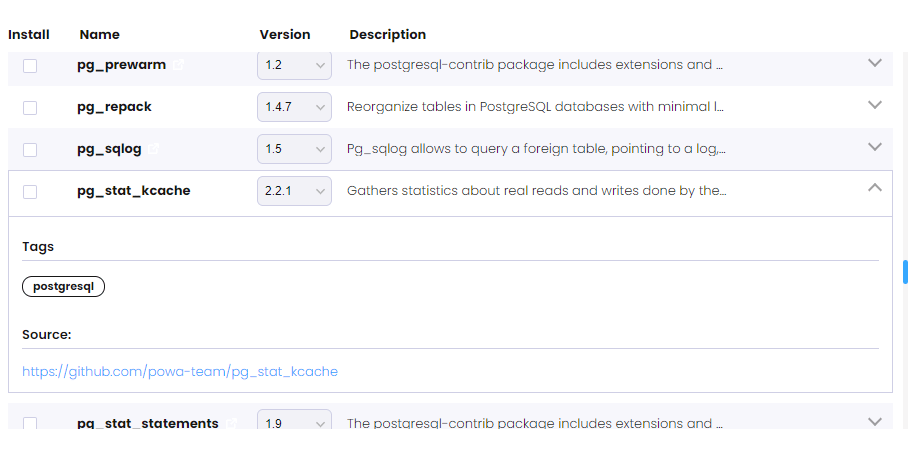
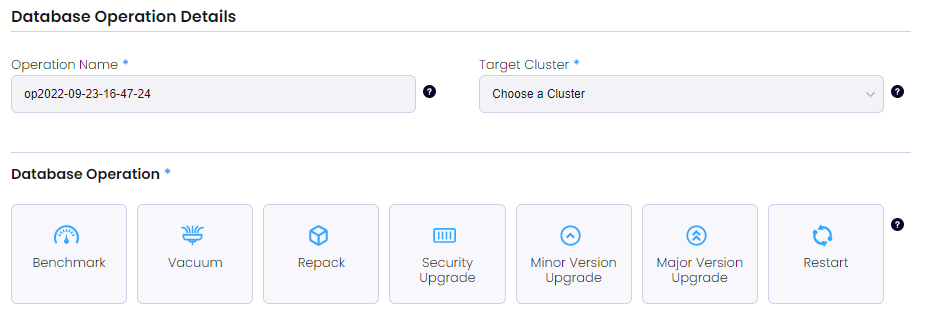
Zalando is an online retailer of shoes, fashion, and beauty. It is the only company in this blog post that is not database-focused. They open-sourced the Operator that they use internally to run and manage PostgreSQL databases and it is quite widely adopted. It is worth mentioning that the Zalando team developed and open-sourced Patroni, which is widely adopted and used.
You can deploy Zalando Operator through a helm chart or with kubectl. Same as with StackGres, this Operator has a built-in web UI.
Helm chart installation is the quickest and easiest way to get everything up and running:
|
1 2 3 4 5 6 7 8 9 10 11 |
# add repo for postgres-operator helm repo add postgres-operator-charts https://opensource.zalando.com/postgres-operator/charts/postgres-operator # install the postgres-operator helm install postgres-operator postgres-operator-charts/postgres-operator # add repo for postgres-operator-ui helm repo add postgres-operator-ui-charts https://opensource.zalando.com/postgres-operator/charts/postgres-operator-ui # install the postgres-operator-ui helm install postgres-operator-ui postgres-operator-ui-charts/postgres-operator-ui |
Expose the UI:
|
1 |
kubectl port-forward svc/postgres-operator-ui 8081:80 |
Connect to the UI and create the cluster.
This is one of the oldest PostgreSQL Operators, over time its functionality was expanding. It supports backups and restores, major version upgrades, and much more. Also, it has a web-based user interface to ease onboarding.
Percona is committed to providing software and services for databases anywhere. Kubernetes is a de-facto standard for cloud-native workloads that helps with this commitment.
What are the most important things about our Operator:
We have quick-start installation guides through helm and regular YAML manifests. The installation through helm is as follows:
Install the Operator:
|
1 2 |
helm repo add percona https://percona.github.io/percona-helm-charts/ helm install my-operator percona/pg-operator --version 1.3.0 |
Deploy PostgreSQL cluster:
|
1 |
helm install my-db percona/pg-db --version 1.3.0 |
Most of the features are inherited from Crunchy Data – backups, scaling, multi-cluster replication, and many more.
Running PostgreSQL on Kubernetes opens up real opportunities, but the operator you choose will decide how smooth—or how painful—the experience becomes. If you’re ready to simplify deployments, strengthen reliability, and avoid vendor lock-in, there’s a smarter way forward. Explore how you can run PostgreSQL in Kubernetes with confidence and without compromise.

Resources
RELATED POSTS





Their PostgreSQL Operator (PGO) is fully open source (Apache 2.0 license), but at the same time container images used by the operator are shipped under Crunchy Data Developer Program.
Where did you find that? I found container images to be under Apache license 2.0:
CrunchyData/crunchy-containers is licensed under the Apache License 2.0https://github.com/CrunchyData/crunchy-containers/blob/master/LICENSE.md
Cheers, Max
Hello Max,
this is tricky indeed. I can’t give any legal advice here, but there are two things:
And down there you can see the note:
This container is maintained by Crunchy Data and is provided under the Crunchy Data Developer Program.
2. For 5.X versions on this download page at the top you can see blue line saying:
By downloading you acknowledge and agree to the Crunchy Data Terms of Use and Data Collection Notice
Terms of Use still point to Crunchy Data Developer Program. So everything that you download fall under the Terms of Use, hence the developer program.
Using docker files and building your own images might be okayish though, but not sure.
Maybe someone from Crunchy Data can comment (and I requested a comment from them ;))
Yes, please ask them. Would be good to have a clear statement.
Thanks, Max